
The integration module is implemented as a plug-in for AutoCAD, which allows to use the following command menu:

Through the interface, you can connect to the system to open a drawing, create new sheets, save changes, and synchronize block attributes based on the document settings in the system. When clicking on the "Open" button, the user is prompted to select an AutoCAD drawing set or sheet from the system explorer for subsequent downloading the files of the selected element to the user's local computer and opening it with AutoCAD tools.
After opening the selected document in AutoCAD, the system performs the following actions:
- updates the block attributes based on the document parameters, which allows to completely fill the title block of the drawing;
- marks a file in the system as being edited to prevent other users from changing it, while a copy of a file opened by user can be opened for reading as well for another one;
- searches for and downloads dependent XREF files.
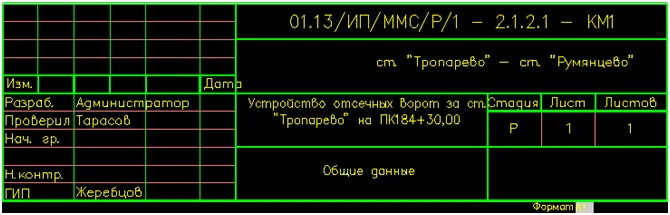
All further actions for the formation of the document are based on the principles of the designer's work. To save changes to the system, you must first save the AutoCAD file, and then click the "Save" button in the PLM component panel.
The creation of a new sheet is carried out by selecting the document from the current set of documents from the system explorer. In this case, the user can create a new sheet by opening a special window with a predefined set of parameters and a list of file templates.